USB Security Key for Bank of America — Setup and FAQ
A complete, step-by-step guide to registering a hardware security token for Bank of America wire transfers, protecting your financial data on portable drives, and avoiding critical USB vulnerabilities.
To set up a Bank of America USB security key for SafePass or wire transfers, you must purchase a FIDO2-certified security key (such as a YubiKey). Once acquired, log into BofA Online Banking, navigate to Security Center > Extra Security at Sign-in, and select "Add a USB Security Key" to link the hardware token to your profile. If you are instead looking to password-protect a standard USB drive holding financial documents, you will need dedicated encryption software like Folder Lock or USB Secure.

What exactly are you trying to do?
The term "USB security" in banking usually means one of two entirely different things. Select your situation below to jump to the right instructions.

I need a key to log into Bank of America
You are setting up wire transfers, SafePass, or CashPro and BofA asked for a "security key".
I want to password-protect my USB drive
You have bank statements or financial data on a flash drive and need to encrypt it.
My USB key is not working or is lost
You forgot your password or your bank token isn't being recognized.
Bank of America requires a FIDO2 or WebAuthn certified hardware token (like a YubiKey or Google Titan) for high-value operations like CashPro wire transfers. A regular thumb drive cannot be used as a login token.
Jump to FIDO Registration Guide ↓
If you want to turn a regular, cheap USB flash drive into a secure, password-protected vault for your Bank of America PDF statements, you must use encryption software.
Jump to USB Data Protection Guide ↓
If you lost your BofA FIDO key, you must contact BofA customer support immediately to decouple it from your account to prevent lockout. If you forgot the password to an encrypted USB drive, safe recovery depends on your master key.
Jump to Troubleshooting ↓
Guide Contents
- How to Register a USB Security Key with Bank of America
- How to Make a Windows USB Security Key (Data Protection)
- The Tool We Recommend for Most Users
- Best USB Security Keys for Bank of America (Comparison)
- Technical Deep Dive: Enpoint vs Drive Security
- Troubleshooting & Safe Recovery
- Organizational Policies and Safe Usage
- Frequently Asked Questions
How to Register a USB Security Key with Bank of America
If you are a CashPro user or utilizing BofA's advanced security features for wire transfers, you will be prompted to register a USB personal security device. This is a dedicated piece of hardware that generates cryptographic signatures. Here is how to set it up.

Step-by-Step BofA Setup
Step 1: Log Into Security Center
Sign into your BofA online portal. Navigate to the 'Security Center' and select 'Extra Security at Sign-In'.
Note for Mac users: Ensure your browser (Safari, Chrome, or Edge) has permissions to access external security keys. You may be prompted by macOS to allow the connection.
How to Make a Windows USB Security Key (Data Vault)
If your goal isn't logging into a website, but rather figuring out how to turn a usb into a security key for storing sensitive files safely (like downloaded BofA statements), you need to encrypt the drive itself.
There are two primary ways to do this natively, plus third-party software approaches.


Method 1: BitLocker to Go (Windows Pro/Enterprise)
If you have a professional edition of Windows 10 or Windows 11, you can use built-in encryption.
- Difficulty: Moderate
- Best for: Users who only use Windows Pro machines.
- Limitations: Not available on Windows 10/11 Home edition. Drives encrypted with BitLocker are difficult or impossible to open natively on macOS without third-party utilities.
Method 2: Third-Party Encryption Software
For users who want to know how to create a usb security key on windows 11 Home edition, or those who need to move their USB between a Windows PC and a Mac, dedicated software is required to password-protect the drive.
- Difficulty: Easy
- Best for: Cross-platform users, Windows Home users, and those seeking plug-and-play simplicity.
- Limitations: Requires software installation on the host machine, or using a "portable" executable that lives on the USB drive itself.
Turn Any USB into a Secure Vault with Folder Lock
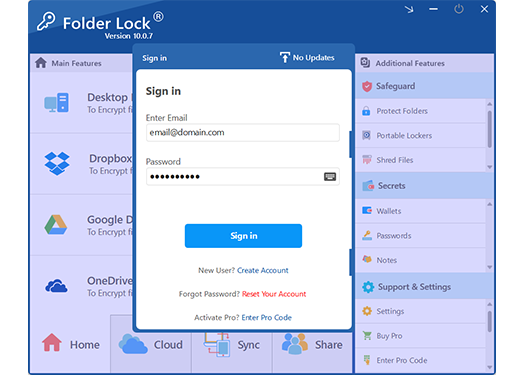
Of all the software methods we tested for securing financial documents on portable drives, we recommend Folder Lock. It bypasses the limitations of BitLocker, works on any Windows version, and offers a portable locker feature so you can open your secure files on any PC without installing the software twice.
Why Folder Lock Fits This Use Case
When dealing with sensitive bank statements, you need software that fails safely. Here is exactly what the recommended tool provides as a standalone USB security app.
Military-Grade File Encryption
Converts your financial documents into unreadable ciphertext using 256-bit AES encryption. Even if the USB is lost in public, the data remains cryptographically shredded to anyone without the master password.
Create Portable Lockers
Creates a self-contained encrypted partition on your thumb drive. You can take this USB to a library, a hotel business center, or a client's office and access the data securely using the included portable executable.
Protects Against BadUSB Attacks
While no software can prevent a physical hardware hack, storing your executables inside a locked, encrypted container mitigates the risk of automated script-kiddie viruses infecting your files the moment the drive is plugged in.
USB Protection Method Comparison
How do the different approaches to USB security stack up? Whether you are buying a FIDO key for BofA login, or using Folder Lock for data storage, understand the differences.
| Method | Bank Login (FIDO) | Data Encryption | Cross-Platform | Cost |
|---|---|---|---|---|
| Hardware Security Key (YubiKey) | $$$ | |||
| Windows BitLocker to Go | Free (Pro only) | |||
| Folder Lock (Recommended) | (via Portable) | $ | ||
| Hardware-Encrypted USB Drive | $$$$ |
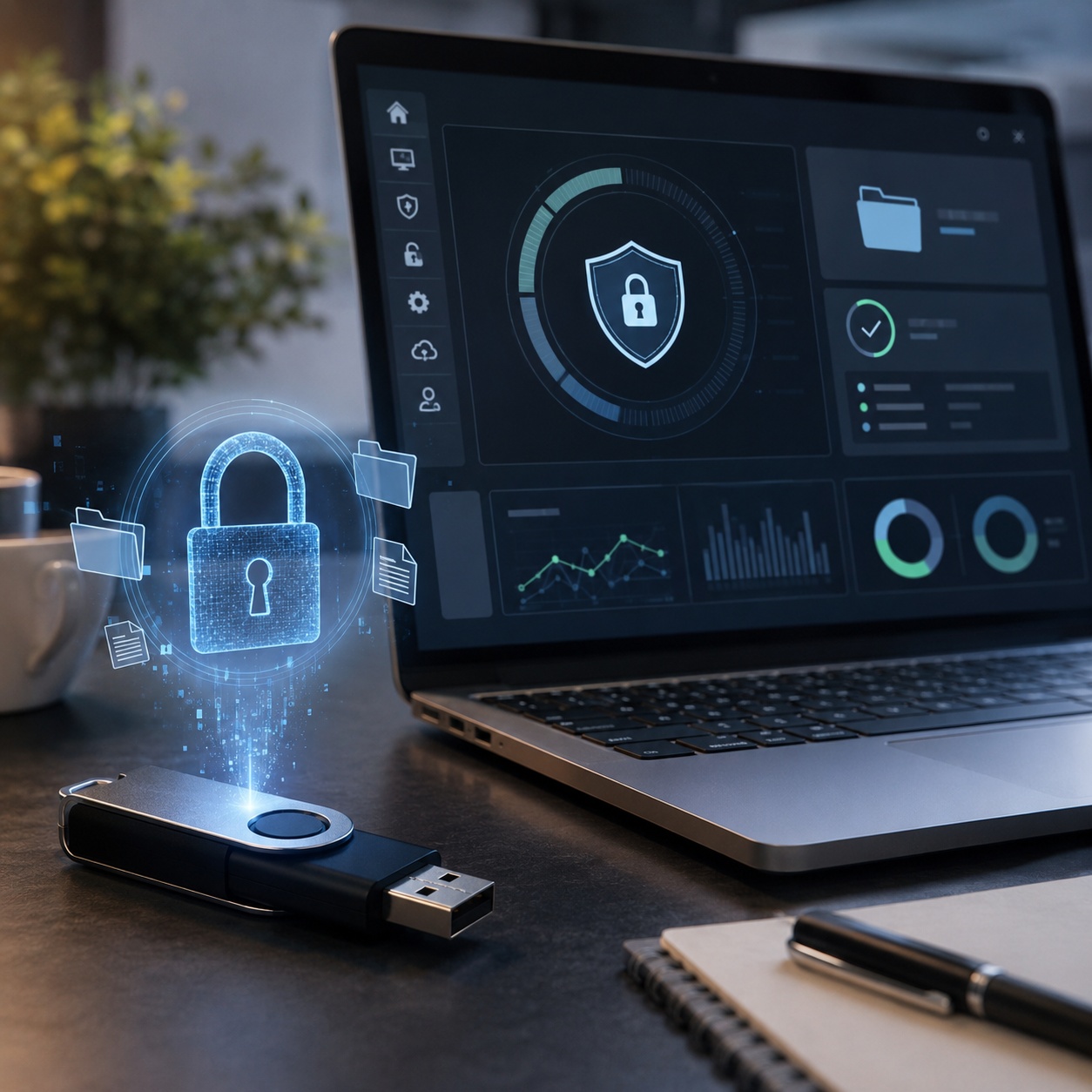
Note: Hardware FIDO keys authenticate identity. Encryption software protects files. They serve different but equally important security functions.
Technical Deep Dive: Endpoint vs. Drive-Level Security
Protecting financial data requires understanding the distinct layers of security available for portable media. Beyond basic file encryption, advanced tools offer sandboxed viewing environments and strict port-level controls to prevent unauthorized data extraction entirely.
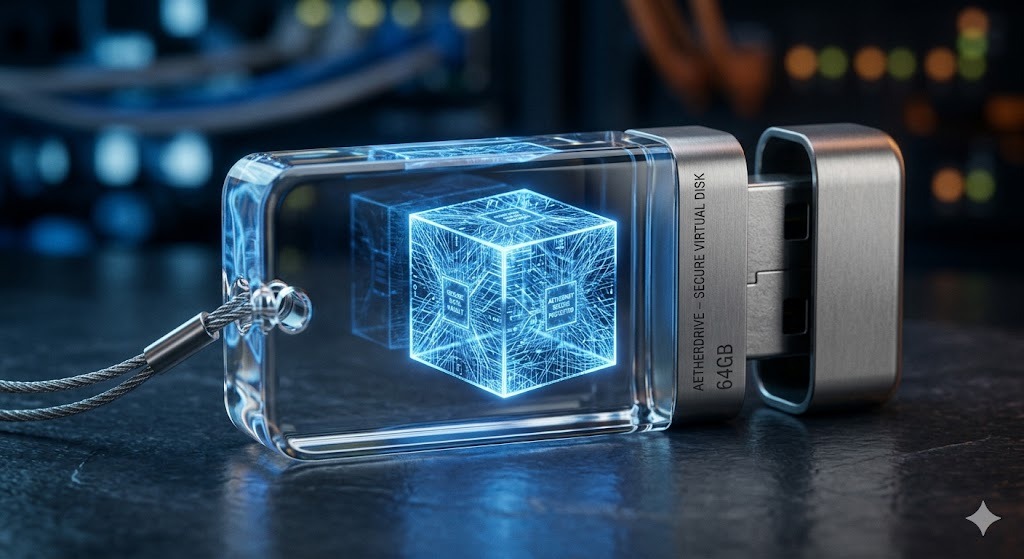
When you plug an encrypted drive into a public or shared workstation, fully decrypting your files can leave temporary trace data on the host machine's hard drive. Advanced portable security tools resolve this by establishing a temporary, secure virtual drive. By authenticating your password, the software mounts a secure viewing window where you can read or edit your documents safely. Once the drive is removed or the session is locked, the virtual environment vanishes, leaving zero footprint on the guest PC. Importantly, modern iterations of these tools are designed to operate as self-contained executables, meaning you do not need administrative installation privileges on the host computer to access your vault.

While encrypting a flash drive protects the data while it travels, organizations must also secure the physical USB ports on their workstations. Endpoint restriction tools are engineered to reject unrecognized hardware at the operating system kernel level. An administrator can whitelist specific, company-approved devices—such as a designated Bank of America FIDO key or a trusted backup drive—while outright blocking undocumented thumb drives, smartphones, and optical media. This prevents unauthorized individuals from quietly extracting massive amounts of data from your machine in seconds.

A crucial component of endpoint security is maintaining a strict audit trail. Sophisticated port-blocking software often operates in a stealth capacity, hiding its presence from the desktop and start menu. When an unauthorized drive is inserted, the software quietly blocks the connection and logs the event. It can also track failed password attempts, uninstallation efforts, and unauthorized file deletions, providing IT teams with precise timestamps and user data to identify potential insider threats before a breach occurs.
Folder Lock: Free Trial vs Full Version
If you decide to use Folder Lock to create a USB security key for your data, you can start without paying. Here is an editorial breakdown of what is included.
| Free Trial Version | Full Licensed Version |
|---|---|
| Basic file hiding and locking | Unlimited AES-256 file encryption |
| Limited locker size constraints | Unlimited USB locker capacities |
| Local PC protection | Portable lockers (take your USB anywhere) |
|
Download Free Version → |
View Full Version Pricing → |
Owner-Safe Troubleshooting & Recovery
Whether dealing with Bank of America's portal or an encrypted USB drive, issues happen. Here are practical fixes for the most common insert your security key into the usb port errors.
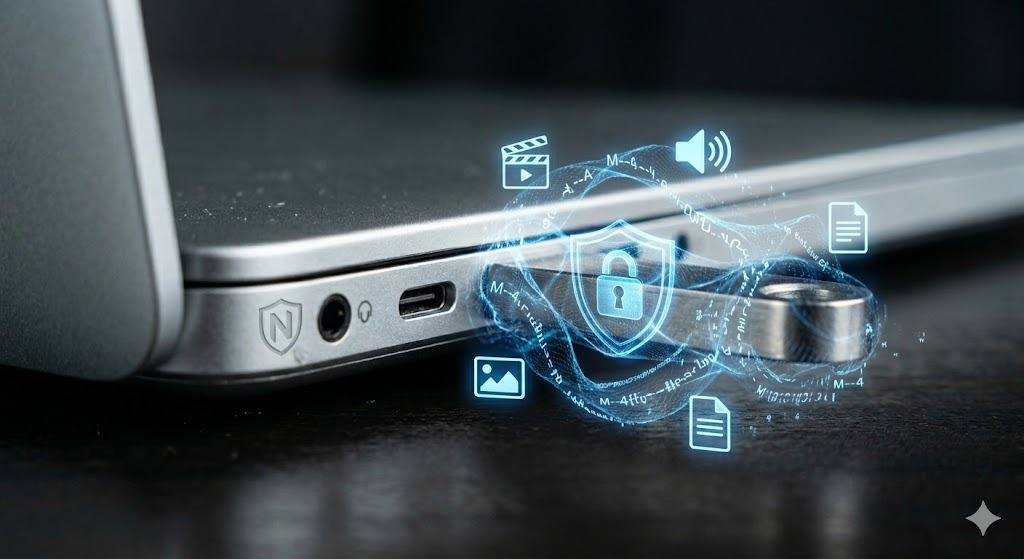
BofA Portal Says "Insert security key into USB port" but Nothing Happens
If you are attempting a wire transfer and the browser isn't recognizing the hardware token:
- Check browser permissions: Chrome and Edge often block USB access by default for unverified sites. Ensure `bankofamerica.com` is whitelisted in your browser's security settings.
- Try a different port: Move the key from a hub to a motherboard-direct USB port.
- Tap the gold disc: Most FIDO keys require a physical tap to confirm human presence. The prompt will hang indefinitely until you physically touch the flashing sensor.
How to recover access to a locked folder you own
If you used software like Folder Lock to secure a thumb drive and forgot the master password, you cannot simply bypass the encryption—that would render the security useless.
- Check your password manager for saved credentials.
- If you saved a master-key recovery file during initial setup, locate it on your primary hard drive.
- If you configured a "Lost and Found" contact profile within the software before losing the drive, a good Samaritan who finds it will be presented with your email and phone number on the lock screen, giving you a chance to recover the physical media safely.
- We strongly advise against downloading "USB crack" software. These tools are almost universally malware designed to steal your remaining data. If the AES-256 key is lost, the data is cryptographically irretrievable.
Organizational Policies and Safe Usage
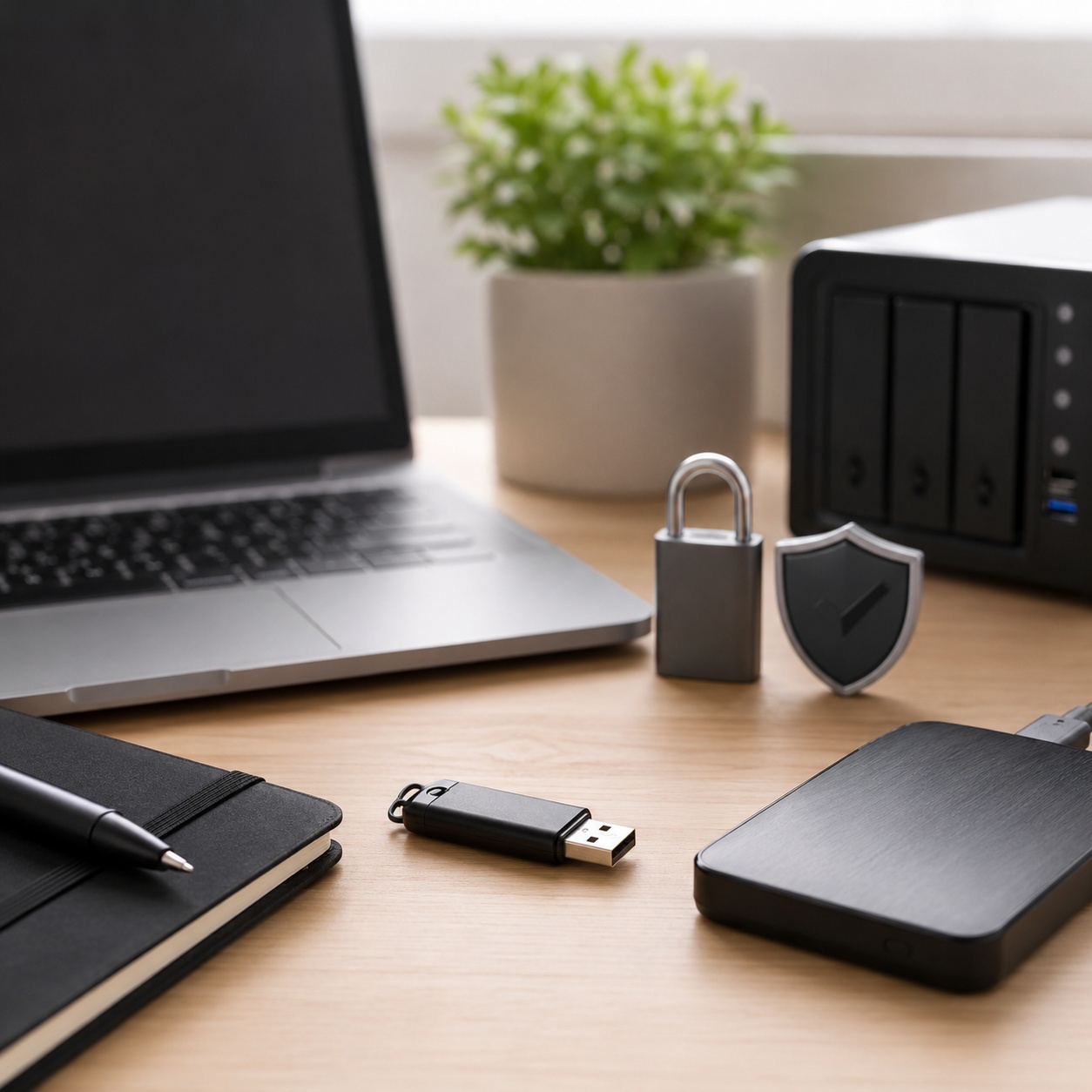
USB Security Policies for Organizations
For corporate environments managing Bank of America access credentials alongside vast amounts of offline financial data, a comprehensive security protocol is mandatory. Relying on an honor system for data transport inevitably results in costly breaches. A robust internal policy should enforce the deployment of specialized endpoint protection software to restrict access exclusively to approved, serial-numbered drives. Staff should be prevented from utilizing personal media disks, network-mapped drives, or Bluetooth connections for transferring sensitive spreadsheets. Routine audits should be conducted using the stealth logging features of these endpoint tools to review denied access attempts and trace irregular hardware connections back to specific user accounts.
Safe USB Disposal and Data Wiping
Prior to disposing of an aging flash drive previously utilized for banking backups, simply deleting the files or performing a quick format is woefully inadequate. Standard deletion merely removes the directory index, leaving the raw data fully intact and vulnerable to basic recovery software. To guarantee complete destruction, the drive must undergo a multi-pass cryptographic wipe. The most secure methodology involves encrypting the entire drive with a highly complex, disposable password using a trusted data locker tool, and subsequently formatting the drive multiple times. This ensures that any residual traces left on the flash memory sectors are thoroughly randomized and entirely unreadable to forensic extraction attempts.
Related Security Tools
If you are looking to lock down other aspects of your workflow, these dedicated tools are developed by NewSoftwares.net, the same team behind Folder Lock.
Frequently Asked Questions
Answers to the most common queries regarding BofA security keys and USB encryption.
It is a physical hardware token (like a YubiKey) used for two-factor authentication during high-risk banking activities, such as logging into CashPro or authorizing large wire transfers. It proves your physical presence.
Bank of America does not typically sell these directly. You must purchase a FIDO2 certified key from a reputable vendor like Yubico (YubiKey), Google (Titan), or Feitian. Never buy second-hand security keys.
For logging into Bank of America? No. BofA requires a dedicated cryptographic chip. However, if you want to use a regular USB to store passwords and secure documents, you can turn it into a secure vault using software like Folder Lock or USB Secure.
Hardware-encrypted drives feature physical keypads on the device itself and handle encryption natively. They are highly secure but very expensive. Software-encrypted drives (using tools like Folder Lock) use your computer's processor to encrypt the data, allowing you to use cheap, standard thumb drives safely.
If you have Windows 11 Pro, plug in your drive, right-click it in File Explorer, and select "Turn on BitLocker". If you have Windows 11 Home, you will need to download and install a third-party application like Folder Lock to password-protect the drive.
Our Verdict
Navigating Bank of America's USB security requirements means understanding the difference between a login token and a data vault. Buy a FIDO2 key for safe wire transfers. But to protect the actual financial records you carry with you, turn your standard flash drives into encrypted lockers.